Why account security matters
When it comes to digital assets, security is everything.
At Pay It Now, we take protecting your account and funds seriously. We’ve built strong security measures into the PIN Network App, but the most effective protection comes from combining our systems with simple actions you can take yourself.
This guide is designed to help you understand one of the most important of those actions.
What is Two Factor Authentication (2FA)?
Two Factor Authentication, or 2FA, is an additional layer of security used to protect your account.
Instead of relying only on your password, 2FA requires a second step. This is usually a time-based code generated on your personal device.
In simple terms:
Even if someone knows your password, they still cannot access your account without your 2FA code.
Why 2FA is so effective
Passwords alone can be guessed, reused, or exposed.
2FA significantly reduces this risk by adding a second checkpoint that only you control.
It’s a widely adopted security standard used by major platforms around the world, and it’s particularly important when it comes to protecting accounts that hold value or enable transactions.
How 2FA works in the PIN Network App
Once enabled, 2FA is used at key moments to protect your account:
• When you log in
• When switching between accounts (if enabled)
• When un-bridging or withdrawing funds
These checkpoints are intentionally placed to ensure that only you can access your account and authorize transactions.
Choosing an authenticator app
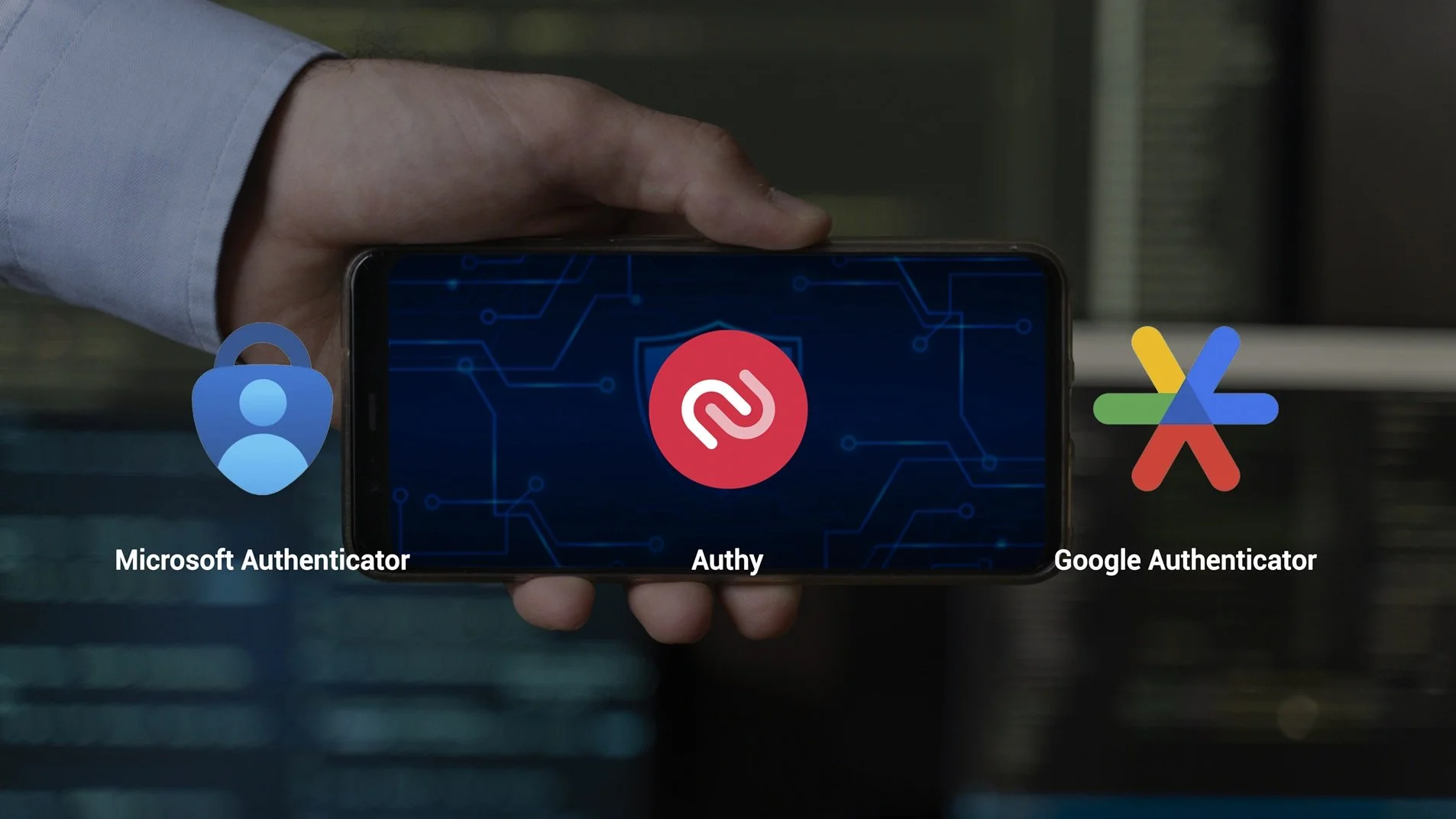
To use 2FA, you’ll need an authenticator app that generates secure codes on your device.
Some popular and easy to use options include:
• Google Authenticator
• Microsoft Authenticator
• Authy
These apps are widely trusted and designed to securely store your authentication codes.
Setting up 2FA
Enabling 2FA in the PIN Network App is quick and straightforward:
Log in to your PIN Network App
Go to Settings
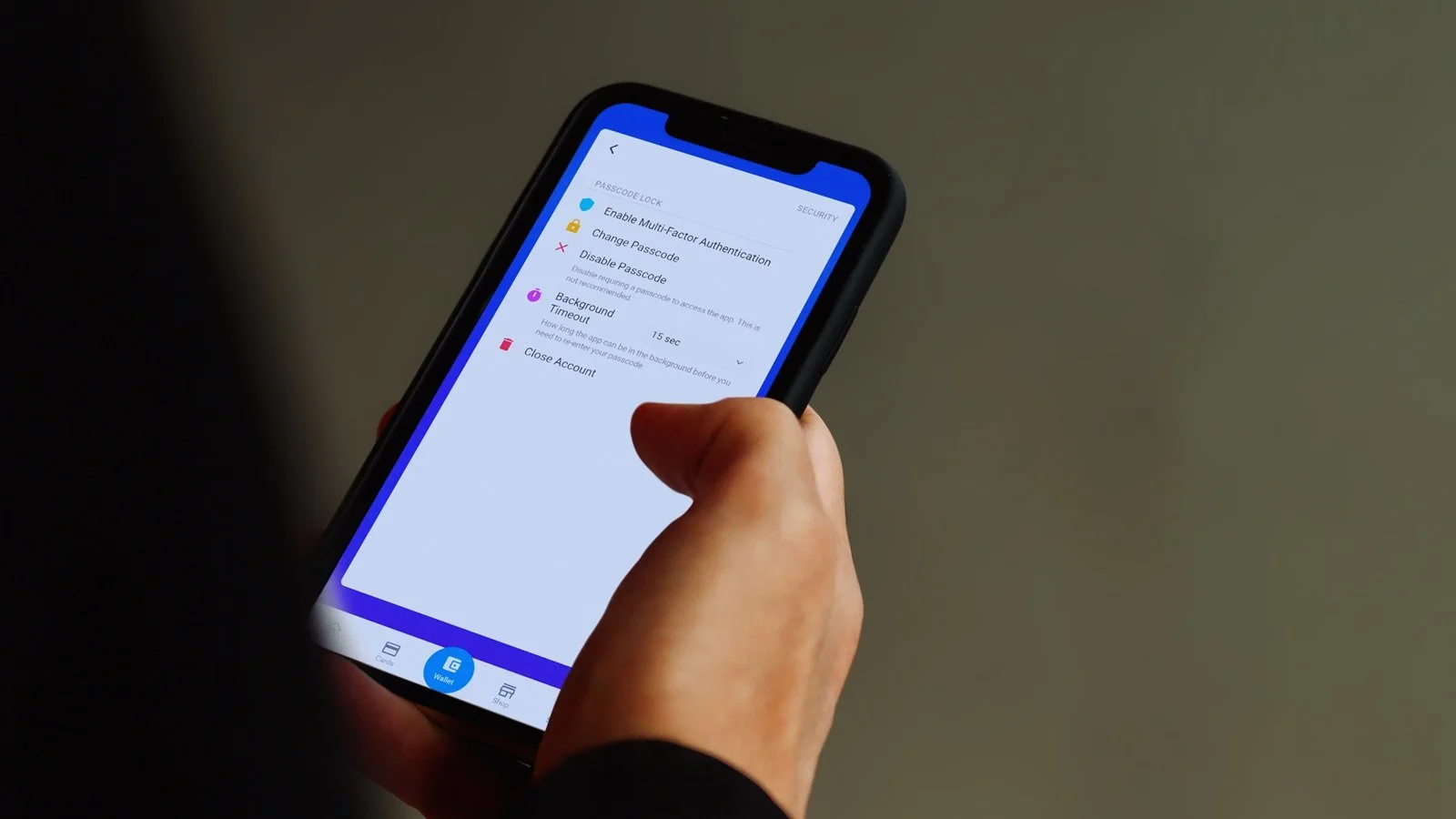
Select Security
Tap Enable Multi Factor Authentication
You’ll then link your account to your authenticator app using the setup code provided.
Important: backing up your 2FA
2FA becomes a key part of protecting your account once it is enabled.
We strongly recommend ensuring your authenticator setup is backed up and kept up to date, particularly if you change or upgrade your device.
Many authenticator apps, such as Google Authenticator, offer secure backup options to help you recover access if needed.
Taking a moment to set this up properly can save time and prevent issues later.
Staying ahead of potential risks
In today’s digital environment, data breaches can occur across a wide range of platforms, often outside of your control.
While these events may not involve your PIN Network account directly, reused or outdated passwords can increase the risk of unauthorized access.
As a precaution, it’s important to keep your account security up to date. This includes using strong, unique passwords and regularly updating older ones.
If you ever notice unusual activity on your account, it’s a good idea to review your security settings, enable or update 2FA, and change your password as soon as possible.
We’re continuously improving your security
Security is an ongoing focus for our team.
We are actively working on additional security enhancements and will keep users updated as these features are rolled out.
This may include introducing 2FA at more touch-points throughout the app, or potentially making 2FA mandatory for all users. These decisions are always made with one goal in mind, protecting your account and funds.
Your role in keeping your account secure
While we take every measure possible to safeguard your account, security is a shared responsibility.
To keep your account safe, you should:
• Use a strong, unique password
• Never share your login details with anyone
• Keep your 2FA codes private
• Secure your mobile device with a passcode or biometrics
• Avoid accessing your account on public or shared devices
Pay It Now cannot be held liable for unauthorized access or loss of funds where security measures have not been properly followed, including sharing passwords or not enabling available protections.
Final thought
Keeping your account secure doesn’t need to be complicated.
Enabling 2FA is one of the simplest and most effective steps you can take. Combined with good security habits, it provides a strong layer of protection for your PIN Network account.
Important: Please be aware that the information provided here is for educational and informational purposes only and should not be considered as financial or investment advice.